

Description
Download Tumblr Post – Fast, Secure Firefox Add‑on for Tumblr Users
Overview
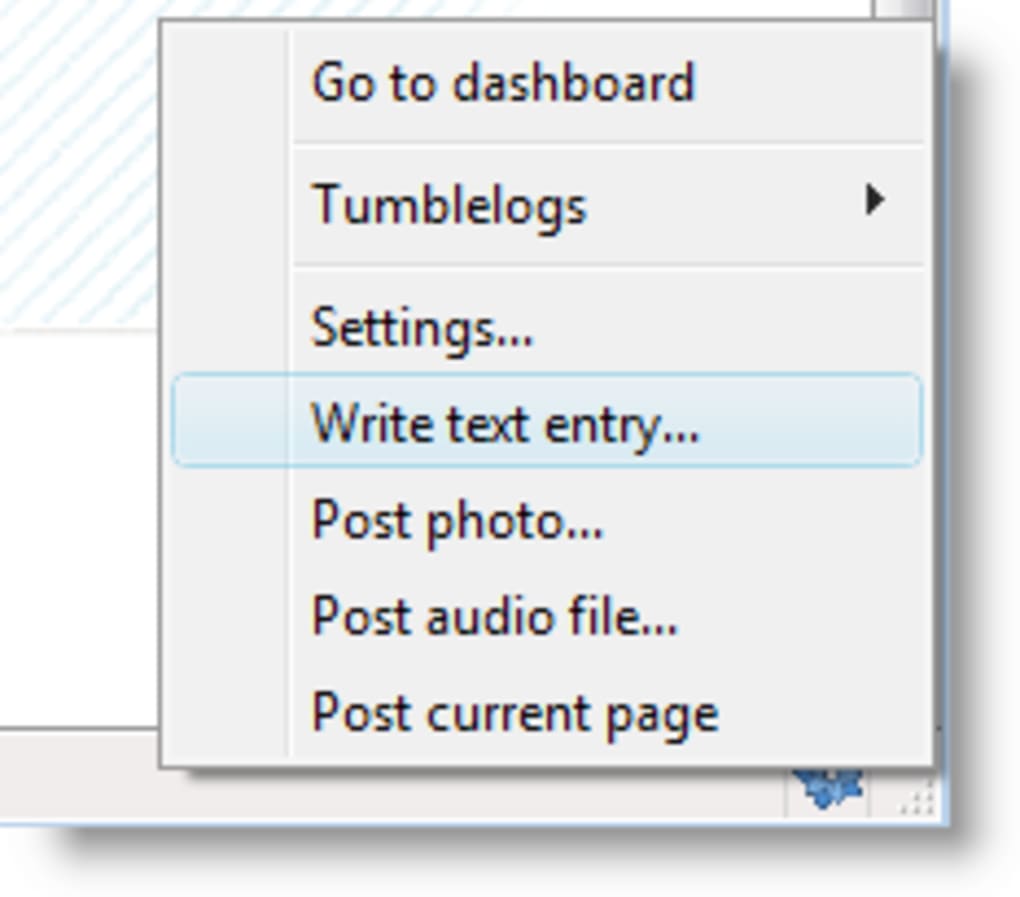
Tumblr Post is a lightweight yet powerful Firefox add‑on designed specifically for avid Tumblr bloggers. Placed discreetly in the browser’s status bar, the icon stays out of the way until you need it, offering instant access to your tumblelog with a single click. By right‑clicking the icon you open a context menu that lets you jump straight to your Tumblr dashboard, select any of your configured tumblelogs, or launch a new post window. The add‑on supports multiple accounts, so you can switch between personal blogs, brand pages, or community sites without leaving Firefox.
What truly sets Tumblr Post apart is its drag‑and‑drop workflow. Drag an image, a block of highlighted text, a hyperlink, or even an audio file onto the icon, and the content is automatically queued for posting. The add‑on recognises the media type and populates the appropriate Tumblr fields, letting you publish rich‑media posts in seconds. Recent updates introduced a “Reblog this post” option directly from the context menu, streamlining content sharing across the platform.
Security and privacy have been built into the core of Tumblr Post. All authentication data is stored locally within Firefox’s encrypted storage, and the add‑on never transmits your credentials to third‑party servers. Frequent updates keep the extension compatible with the latest Firefox releases and Tumblr API changes, ensuring a stable, hassle‑free experience. Whether you are a casual poster sharing occasional memes or a professional marketer managing multiple blogs, Tumblr Post offers a seamless bridge between your browser and Tumblr’s vibrant ecosystem.
Key Features
- One‑click posting: Access your dashboard, tumblelogs, or new‑post window from the status‑bar icon.
- Multiple account support: Add and switch between as many Tumblr accounts as you need.
- Drag‑and‑drop media: Drop images, audio, video, links, or selected text directly onto the icon for instant posting.
- Context‑menu shortcuts: Open tumblelogs, reblog posts, or launch the post editor without leaving the current page.
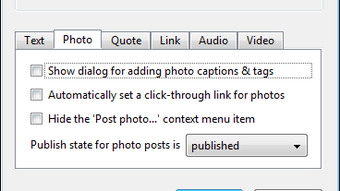
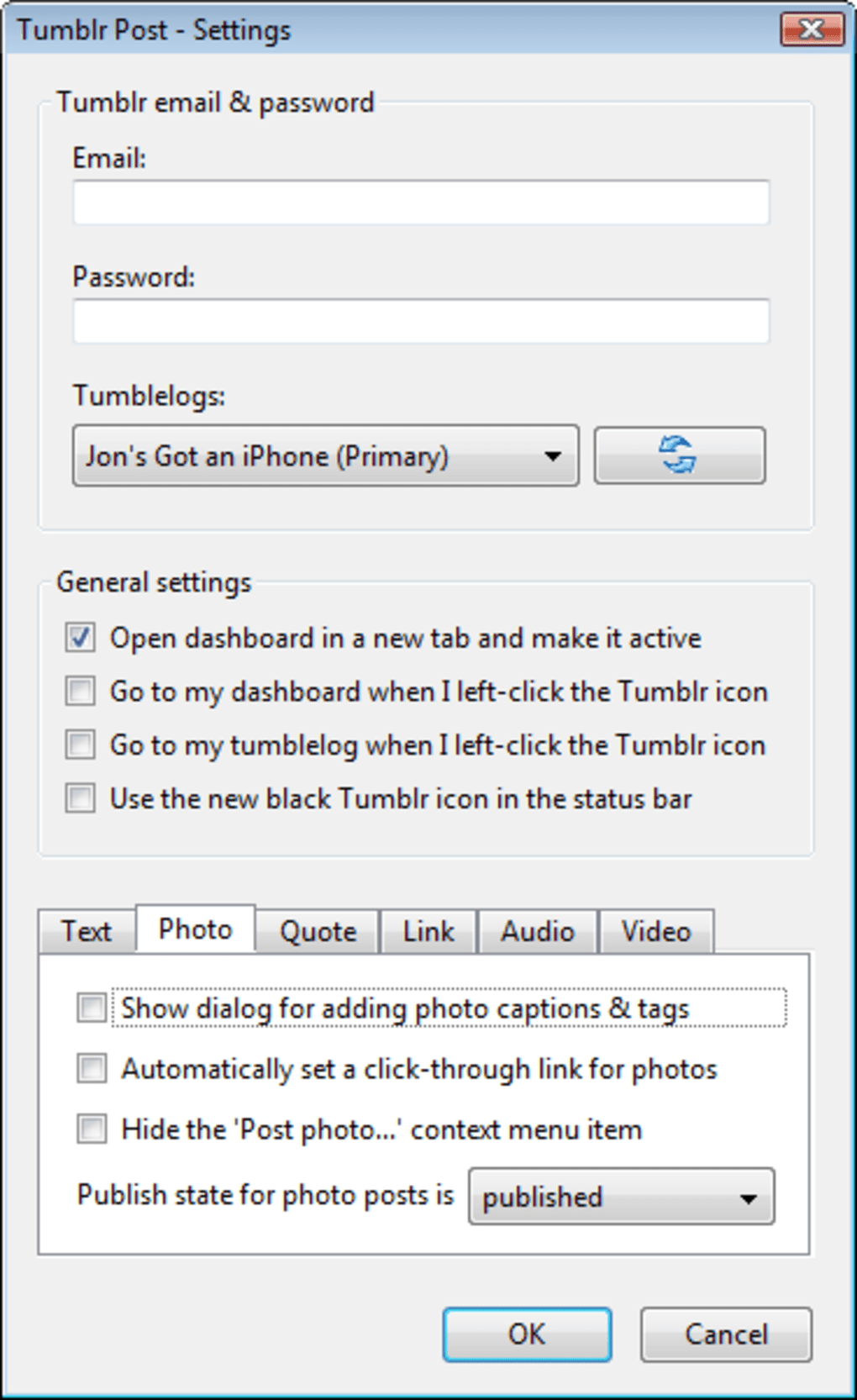
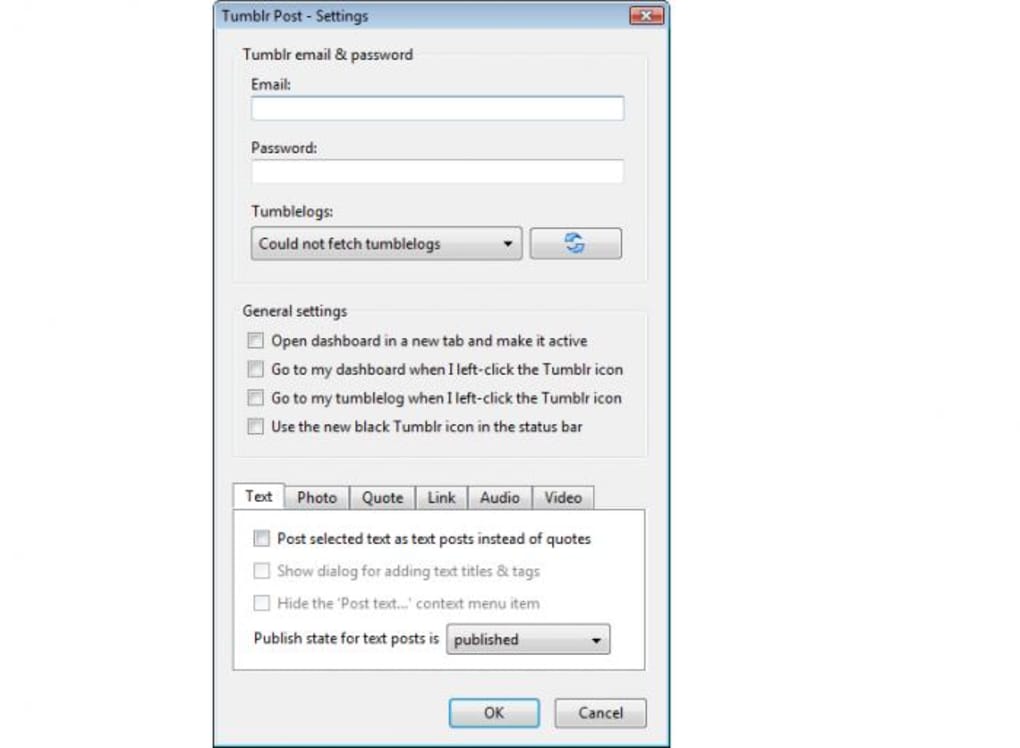
- Customizable post types: Define default behaviours for image, audio, video, and text posts in the settings panel.
- Secure authentication: Credentials are saved using Firefox’s built‑in encrypted storage.
- Automatic updates: The add‑on checks for updates in the background, ensuring compatibility with the latest Firefox and Tumblr API versions.
- Lightweight footprint: Consumes minimal RAM and CPU, keeping your browsing experience smooth.
Installation, Setup & Compatibility
Getting started with Tumblr Post is straightforward. Visit the official Mozilla Add‑ons page, click “Add to Firefox,” and grant the required permissions. The installation process typically completes within a few seconds, after which the Tumblr Post icon appears in the status bar.
Upon first launch, you’ll be prompted to log into your Tumblr account(s). The add‑on uses OAuth, so you never type your password directly into the extension; you are redirected to Tumblr’s secure login page, and once authenticated, a token is stored safely. To add additional accounts, open the settings window (right‑click the icon → Settings), click “Add Account,” and repeat the OAuth flow.
Compatibility is broad. Tumblr Post runs on any platform that supports the latest Firefox release, including Windows 10/11, macOS Ventura and later, and popular Linux distributions such as Ubuntu, Fedora, and Debian. Mobile Firefox versions do not currently support the status‑bar icon, but a lightweight web‑based companion is planned for future releases.
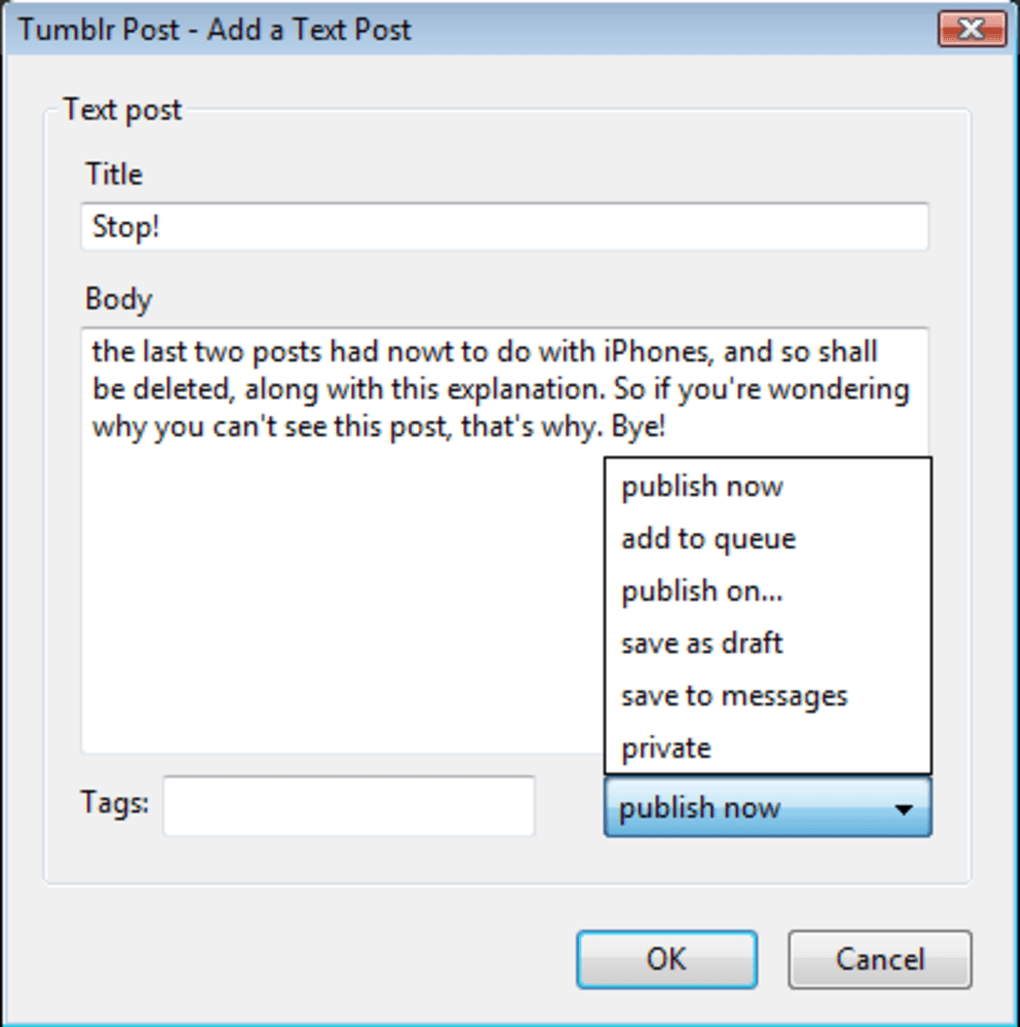
After configuring your preferred post defaults—whether you want images to appear as “photo posts” or embedded within a text block—you’re ready to publish. Simply drag a file onto the icon, or right‑click the icon and choose “New Post.” The editor opens with your media already attached, allowing you to add captions, tags, and other metadata before hitting “Publish.” The entire workflow is designed to keep you in the browsing flow, eliminating the need to open a separate Tumblr tab for each update.
Pros and Cons
Pros
- Extremely fast posting workflow thanks to drag‑and‑drop support.
- Multiple account handling eliminates the need for separate browsers or profiles.
- Secure OAuth authentication with local encrypted storage.
- Lightweight and does not slow down regular browsing.
- Frequent updates keep the add‑on compatible with Firefox and Tumblr changes.
Cons
- Only available for desktop Firefox; no native support for mobile browsers yet.
- Occasional hiccups when uploading very large video files (requires stable internet).
- Context menu can become crowded if many tumblelogs are added.
- Lacks advanced scheduling features found in some dedicated Tumblr management tools.
- Initial setup requires OAuth login, which may be confusing for non‑technical users.
Frequently Asked Questions
Can I use Tumblr Post with multiple Tumblr accounts?
Yes. The settings panel allows you to add unlimited accounts via OAuth. You can switch between them directly from the status‑bar context menu.
Is my login information safe?
Absolutely. Tumblr Post never stores your password. It uses OAuth tokens saved in Firefox’s encrypted storage, which are inaccessible to third‑party extensions.
Does the add‑on work on Windows, macOS, and Linux?
Yes. As long as you run a recent version of Firefox on any of these operating systems, Tumblr Post will function identically.
Can I post videos directly via drag‑and‑drop?
Video files can be dropped onto the icon, but large files may require a stable connection and may take a few seconds to upload. The add‑on currently supports MP4 and WebM formats.
Is Tumblr Post free?
Yes. The add‑on is completely free to download and use. There are no hidden fees or subscription plans.
Conclusion & Call to Action
For anyone who spends a significant amount of time on Tumblr, the Firefox‑based Tumblr Post add‑on offers an unmatched blend of speed, convenience, and security. Its drag‑and‑drop capabilities reduce posting to a single, intuitive gesture, while the ability to manage multiple accounts keeps professional bloggers organized. Though it currently lacks mobile support and advanced scheduling, the core functionality is robust and reliable, making it an essential tool for daily Tumblr activity.
Ready to streamline your Tumblr workflow? Download Tumblr Post today from the official Mozilla Add‑ons store. Install it in seconds, log in securely, and start publishing richer content faster than ever before. Experience the future of Tumblr blogging—right from your Firefox browser.
Overall Rating: 4.5 / 5
Pros: Fast posting, multiple accounts, secure OAuth, lightweight.
Cons: No mobile support, occasional large‑video upload lag.
Guides & Tutorials for Tumblr Post
How to install Tumblr Post
- Click the Preview / Download button above.
- Once redirected, accept the terms and click Install.
- Wait for the Tumblr Post download to finish on your device.
How to use Tumblr Post
This software is primarily used for its core features described above. Open the app after installation to explore its capabilities.
User Reviews for Tumblr Post 0
No reviews found





